DJ light show music visualizer
A festival lighting rig seen from the crowd: beams from the top truss, a row of floor lights and the side towers cut through the haze. Every 8 beats the rig moves into a new formation in new colors, and loud parts bring in the full rig.
Every style runs in the same music visualizer, right in your browser.
How it reacts
- BEATS
- Every 8 beats the beams move into a new formation — fan, converge, cross or sweep — and take on a new pair of colors.
- KICKS
- The lenses and beams flare on every kick.
- ENERGY
- Loud parts switch on the extra fixtures and a white flash on the kick; quiet parts thin the rig out.
- HAZE
- The beams only show where there is haze, so they pick up a soft, drifting texture.
What you can change
Great for
- EDM
- House
- Techno
- Trance
- DJ mixes
- Festival
Similar styles
DJ Light Show visualizer FAQ
Can I put dancers in front of the lights?
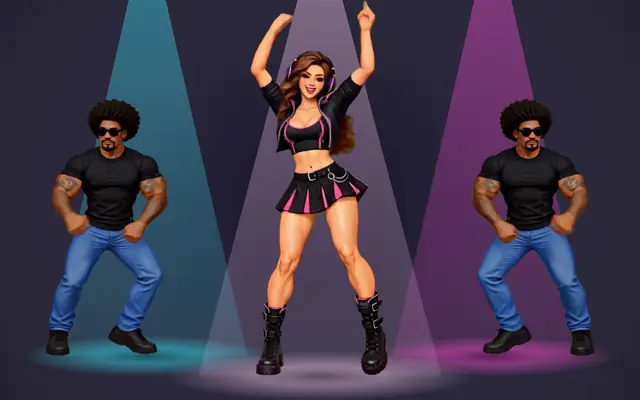
Not in one style yet. With section styles (exports on paid plans) you can cut between DJ Light Show and Dance Crew on the beat — for example, lights for the build-up and the crew for the drop.
Do the formations follow my song's beat?
Yes. Your track's beats are tracked when you load it, and the rig changes formation every 8 beats, so the moves land on the phrase of a 4/4 track.
Can I use my cover art as the background?
Yes. Add cover art in the editor and choose whether it sits dimmed or blurred behind the dj light show visual.
Does it work for TikTok, Shorts and Spotify Canvas?
Yes. Switch the format to 9:16 for TikTok, Shorts and Reels, or to Spotify Canvas for a short vertical loop without audio.